
Only documented fixes · checked 2026-10-01
Launch, login, and sync fixes
Patch 1.2.0 / Balance 24. Facts below are tied to a source checked on 2026-10-01. Anything still open is marked unconfirmed.
Black screen on Windows
Some GPUs do not start on the default renderer. The documented fix is a Steam launch option: --rendering-driver opengl3. Right-click the game, Properties, Launch Options, paste that string. I have no second flag to offer.
Bugs 1.0.3 already closed
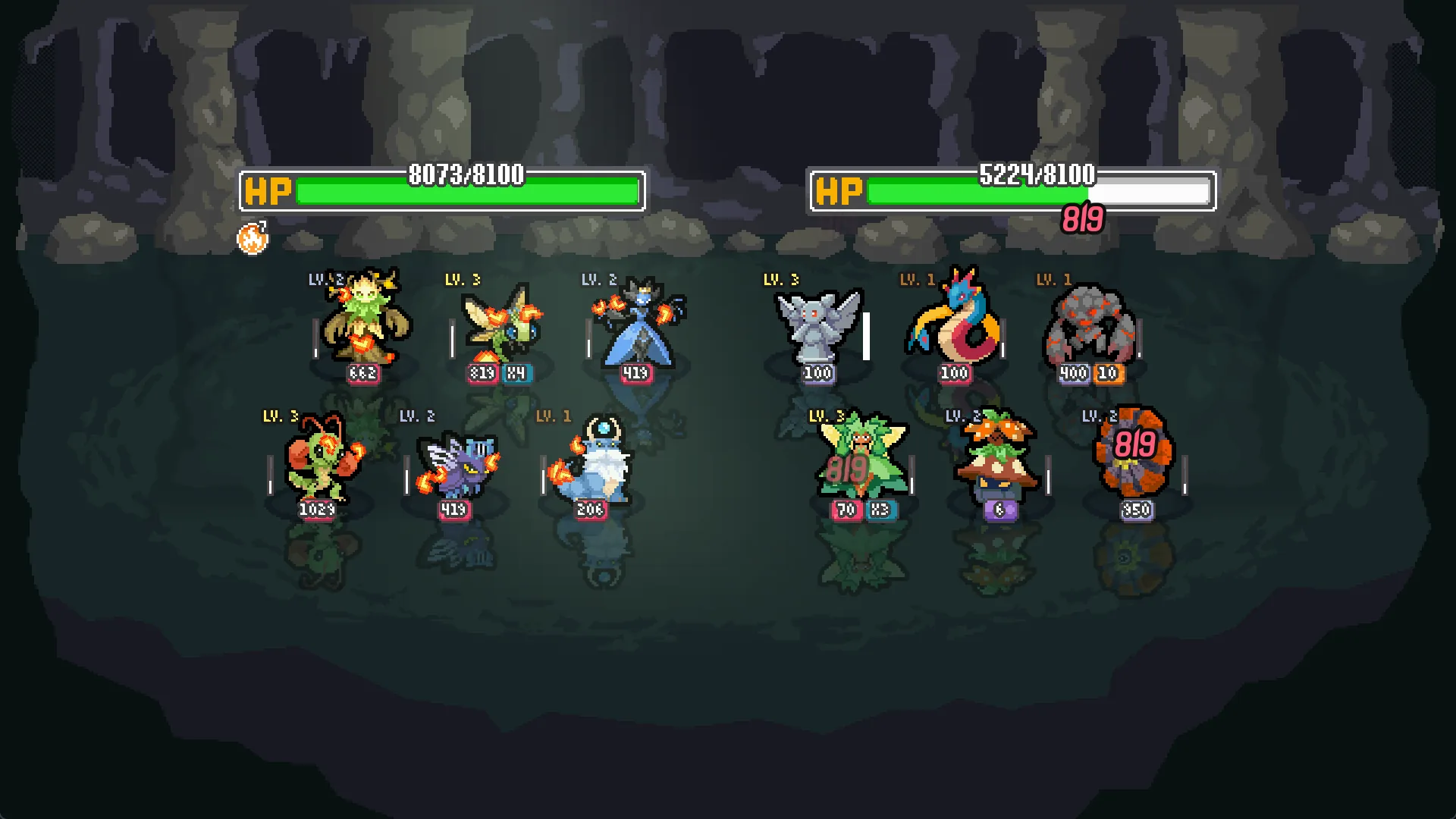
- Extended-mode runs that found no opponent and fought a copy of your team every round.
- A 30-second wait before every battle, then a copy of your own team.
- Android players who had just signed in fighting their own team for the rest of the session.
- Android sign-in that did nothing after the browser returned, until a second try.
- A desktop-mode mobile browser that stranded you on a page with no way back into the game.
- Switching accounts on the same device offered the previous account’s run, and the new account’s progress did not save.
That last one is the data-wipe symptom people describe. If it still happens on 1.2.0, I do not have a newer official workaround. Use berrymint’s Steam discussions or the address on batomon.app rather than a save editor.
Background behavior, not a bug
1.2.0 drops the desktop client to 30 FPS while it is tabbed out, so it stops soaking the rest of the PC. 1.1.0 added a Background Audio setting that defaults to on. Alt-tab silence in older builds was an earlier change, not a broken mixer.
Sources
- Official Steam announcements · Includes 1.0.0, 1.1.0 and 1.2.0; API rechecked 2026-10-01
- Community OpenGL workaround · Community documentation, not official; retrieved 2026-10-01
Questions on this page
The game is a black screen. What flag is documented?
In Steam, open Properties, then Launch Options, and add --rendering-driver opengl3. That is the published workaround for GPUs that fail the default renderer.
I keep fighting a copy of my own team.
Patch 1.0.3 fixed that for extended-mode empty queues, for a 30-second wait that ended on your own team, and for a fresh Android sign-in. Update to 1.2.0 before retrying.